Guide/SendApp Cloud/Automations
Autoresponder (automatic reply)
The autoresponder sends a generic automatic reply to incoming messages, even when they don't match a specific keyword. It's useful for confirming receipt or for out-of-hours messages.
Updated on June 16, 2026 · 4 min read
Before you start
- At least one connected number
What it's for
Unlike the keyword chatbot (which only replies to specific words), the autoresponder can reply generically: for example “Thanks for your message, we'll get back to you shortly” to anyone who writes out of hours.
Setting up the autoresponder
- 1
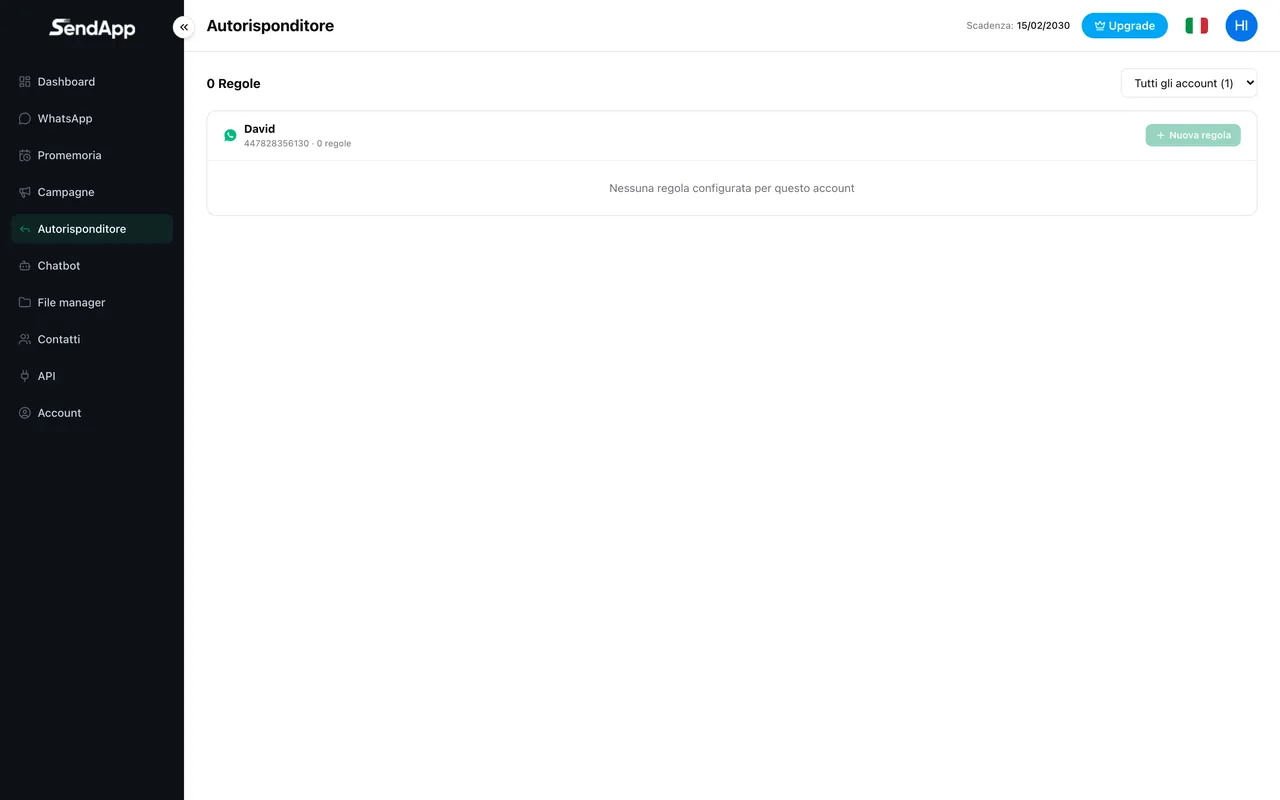
Open Autoresponder
From the automations section, select the autoresponder for the desired account.
- 2
Write the message
Set the text of the automatic reply.
- 3
Define when to reply
Configure the conditions (e.g. messages that don't match other rules).
- 4
Activate
Save and activate the autoresponder.
Use the autoresponder sparingly: an automatic reply to every message can come across as intrusive. It works best for “out of hours” or to confirm that a request has been received.
Ready to put it into practice?
Open SendApp and follow the steps in this guide. Need help? Support is one message away.