Guide/SendApp Official/Pricing & Billing
Meta rates, plans, and billing
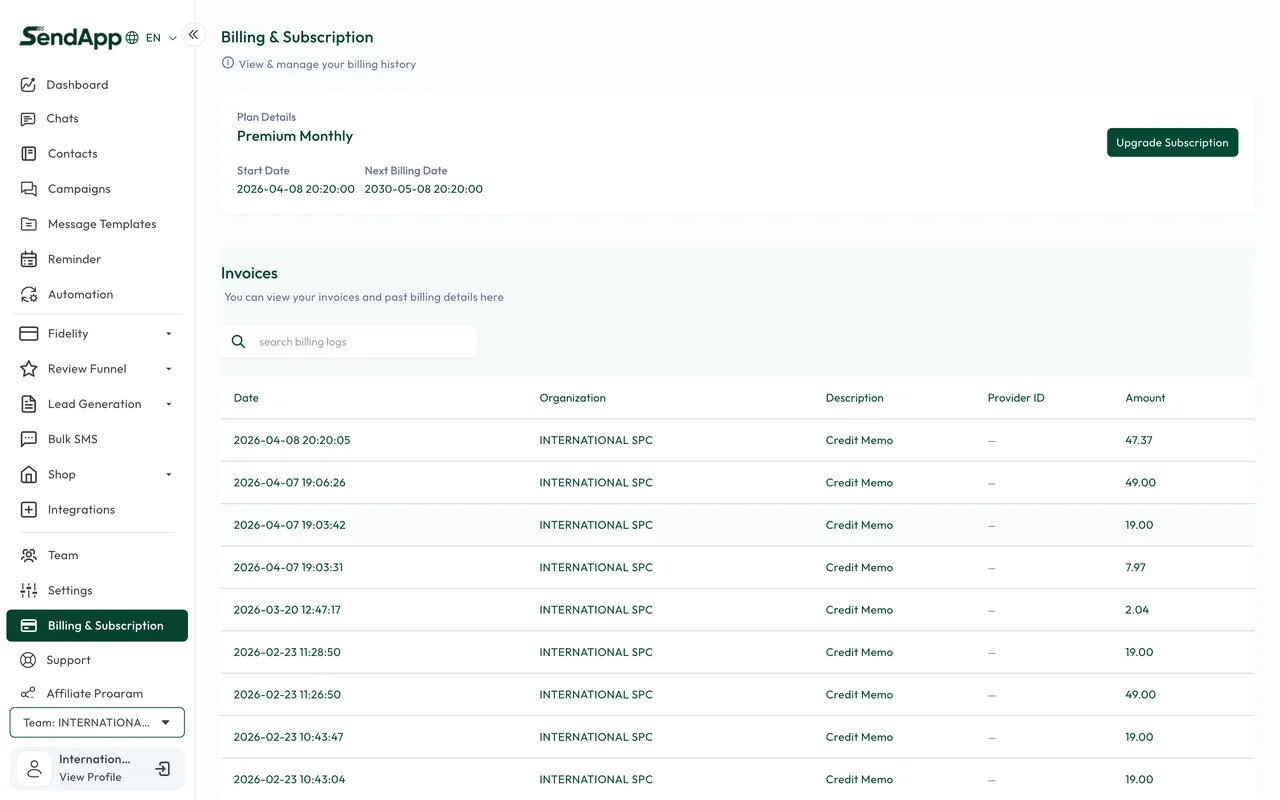
With the official API there are two cost levels to distinguish: the SendApp subscription (the platform plan) and Meta's rates for messages, billed based on the conversation category. Here we clarify both.
Updated on June 16, 2026 · 6 min read
Before you start
- A SendApp Official account
Two cost levels
- SendApp subscription
- The platform plan (monthly or annual) that unlocks features, limits, and modules. It's billed by SendApp.
- Meta rates
- The cost of messages on the official API, billed according to Meta's rules. It depends on the conversation category and the recipient's market.
How Meta rates work
- Marketing-type conversations have a per-message cost.
- Within 24 hours of the customer's last message you can reply with free text (service), often at no additional cost.
- Utility and Authentication templates follow their own rules and costs, generally lower than marketing.
- To deliver templates you need a valid payment method on the WABA, otherwise they stay "sent".
Plans and payments
- Free trial
- A trial period is available to evaluate the platform.
- Gateway
- Subscription payments go through the configured gateways (e.g., Stripe, PayPal, and others).
- Plan change
- You can change your plan; billing follows the platform's rules.
The cost of Meta messages is billed according to Meta's rules and is separate from the SendApp subscription. To cancel your subscription or for specific billing requests, refer to the billing settings or contact support.
Ready to put it into practice?
Open SendApp and follow the steps in this guide. Need help? Support is one message away.