Guide/SendApp Agent/Channels
Connecting a Telegram bot
Telegram is one of the channels SendApp Agent manages in the same inbox as WhatsApp and the others. The connection happens through a Telegram bot: you create it in a few minutes with Telegram's official tool (BotFather), copy the token, and paste it into SendApp.
Updated on June 16, 2026 · 5 min read
Before you start
- A SendApp Agent account with at least one Account (AI bot) created
- The Telegram app to create the bot
What it's for
By connecting a Telegram bot, the messages users send to the bot arrive in the Chat section alongside the other channels, and the AI can reply just as it does on WhatsApp. It's useful for communities, support, and notifications to people who prefer Telegram.
Creating the bot on Telegram
- 1
Open BotFather on Telegram
BotFather is Telegram's official tool for creating bots. Search for it in the app and start the conversation.
- 2
Create a new bot
Follow the BotFather procedure (bot name and username). At the end you receive an access token: a string that identifies your bot.
- 3
Copy the token
Keep the token handy: you'll need it for the next step in SendApp. Treat it like a password.
Connecting the bot to SendApp
- 1
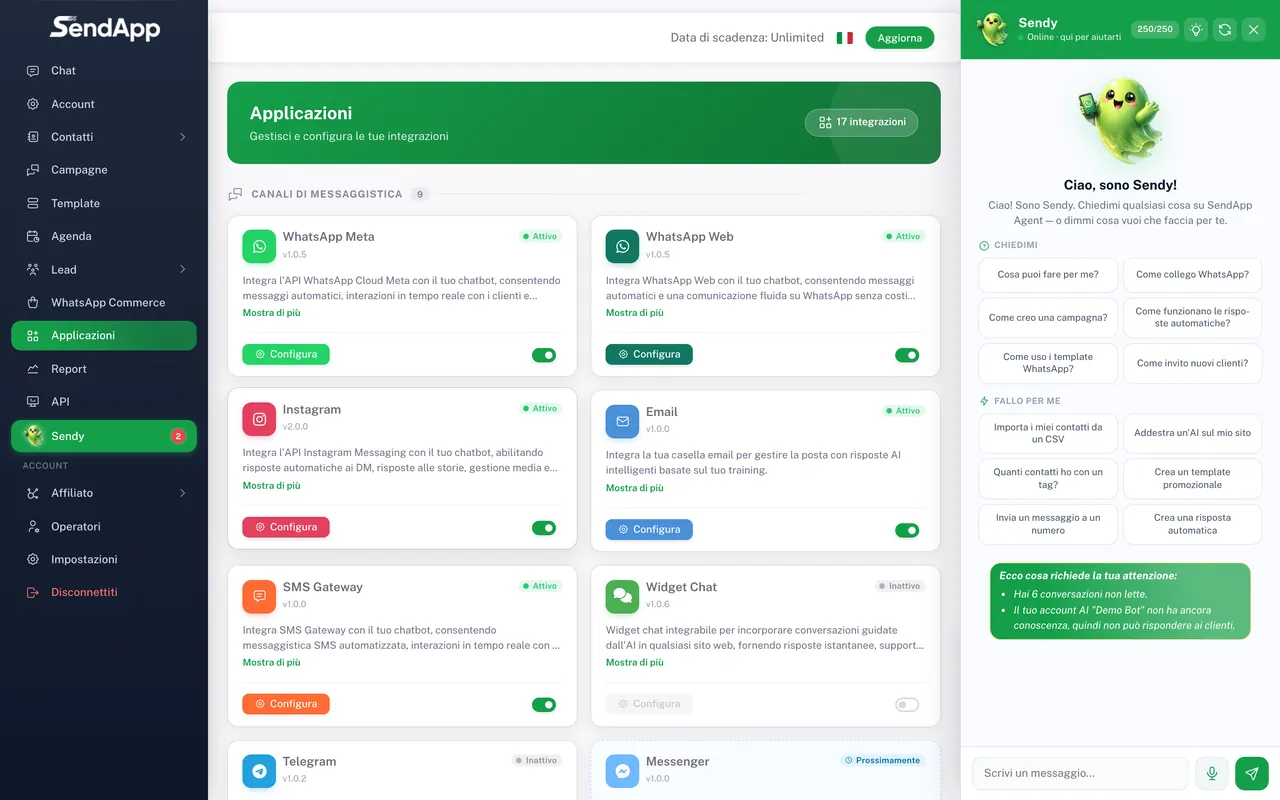
Open “Applications” and choose “Telegram”
From the Applications menu, select the Telegram channel.
- 2
Choose the Account to connect it to
Indicate the Account (AI bot) that will manage the Telegram conversations.
- 3
Paste the token and save
Enter the token you received from BotFather and confirm. From now on, messages to the bot arrive in the Chat section.
The token gives full control of the bot: don't share it. If you think it's been exposed, regenerate it from BotFather and update the value in SendApp.
Common mistakes
- Messages don't arrive
- Check that you pasted the correct token and that the bot hasn't been stopped/deleted on BotFather.
- Invalid token
- Regenerate the token from BotFather and paste it again into SendApp.
Ready to put it into practice?
Open SendApp and follow the steps in this guide. Need help? Support is one message away.