

Why a voice bot is (really) useful in customer service today
Modern customer service has two needs that often seem incompatible: being immediate and available 24/7, but without skyrocketing staff costs. In Italy, this problem is particularly evident in sectors such as e-commerce, professional firms, private healthcare, utilities, and local services: many repetitive contacts, peaks during specific time slots, and customers who want answers "right away.".
A voice bot (AI telephone assistant) solves the bottleneck on the voice channel, while WhatsApp Business It's the preferred channel for continuing the conversation in a convenient, traceable, and automatable way. The key is integration: the voice bot can manage the call, collect data, and then pass the baton to WhatsApp to send confirmations, links, quotes, reminders, and follow-ups. With SendApp You can orchestrate these automations and centralize communication, transforming a simple phone call into a complete conversational flow.
What a voice bot is (and what it isn't)
A voice bot is an AI-based telephone assistant that understands natural language and is able to sustain a complete dialogue: asks questions, interprets the answers, handles exceptions and concludes with an action (for example, opens a ticket, schedules an appointment, sends a WhatsApp message, transfers to an operator).
Not to be confused with:
- IVR “press 1, press 2”: rigid, unpopular, and often ineffective menus.
- Pre-recorded messages: they don't really understand what the customer is asking for.
- Telephone answering machines: they only collect a message, without guiding the user.
How a Voice Bot Works: Technology in Simple Words
A voice bot typically combines three components:
- Speech-to-Text: converts the caller's voice to text.
- Conversational NLP/AI: interprets intent and context (e.g. “I want to change my appointment” vs. “I want to book”).
- Text-to-Speech: generates the voice response in a natural way.
During the call, the bot extracts data (name, number, customer code, address, reason for contact), validates it (e.g., "Can you confirm that the address is...?"), and decides the next step. The part that makes the difference, however, is what happens afterward. After: Thanks to WhatsApp, you can send a summary, a payment link, an appointment confirmation, or a ticket, reducing errors and repeated requests.
Why integrate voice + WhatsApp Business: the competitive advantage
Many companies treat phone and messaging as separate worlds. The result: duplicate data, broken conversations, long waits, and frustrated customers. An integrated workflow brings concrete benefits:
- Continuity: The call starts the process, WhatsApp completes it.
- TraceabilityConfirmations and documents remain on WhatsApp.
- Automation: automatic follow-ups (reminders, feedback requests, upsells).
- Cost reduction: operators intervene only on complex cases.
- Customer experience: less waiting, less “reminders”, more clarity.
9 Steps to Build a Voice Bot for Your Business (With WhatsApp and SendApp)
1) Define goals and metrics (before technology)
Start with a question: What does the voice bot need to achieve? Common examples:
- Reduce missed calls after hours
- Manage FAQs (shipping, returns, opening hours, prices)
- Qualify leads (real estate, automotive, services)
- Open tickets and collect structured data
- Schedule/Change Appointments
Define measurable KPIs: average handling time, automatic resolution rate, transfer reduction, lead conversion, CSAT, reduction of repeat calls.
2) Map high-impact (and low-complexity) use cases
The fastest way to get results is to start with repetitive requests. In Italy, here are some practical examples:
- Beauty center“I would like to reschedule my appointment,” “How much does the laser cost?”
- Dental clinic: “Availability for hygiene”, “Send quote”, “Visit reminder”
- E-commerce: “Where is my order?”, “How do I return it?”
- Boiler/air conditioning assistance: “Urgent breakdown”, “Annual maintenance”, “Request for intervention”
Each use case must have a clear outcome: respond, collect data, create tickets, transfer to operator, send WhatsApp with instructions.
3) Design the dialogue: right questions, less friction
An effective voice bot does not “act”, leads. Rules of thumb:
- Short questions, one at a time
- Confirmation of critical data (telephone, address, date)
- Error handling (“I didn't understand, can you repeat that?”)
- Quick exit to operator (“Do you want to speak to an operator?”)
Example (technical support): The bot asks for the make/model, fault description, urgency, zip code, and time slot. At the end of the call: "Perfect, I'll send you the summary and next steps on WhatsApp now.".
4) Define the data to collect and how to use it on WhatsApp
Calling is great for intercepting the need, but WhatsApp is ideal for:
- Send summary (reduces disputes)
- Share link (payment, documents, tracking)
- Send photo/video requested (e.g. damages, faults)
- Obtain confirmations with a tap
With SendApp you can build automations and sequences on WhatsApp based on the data collected: for example, if the customer calls for "return", he automatically receives the correct procedure and customized steps on WhatsApp.
5) Set up the “voice-to-WhatsApp” switch (the key moment)
Channel switching should be natural and helpful. Some effective triggers:
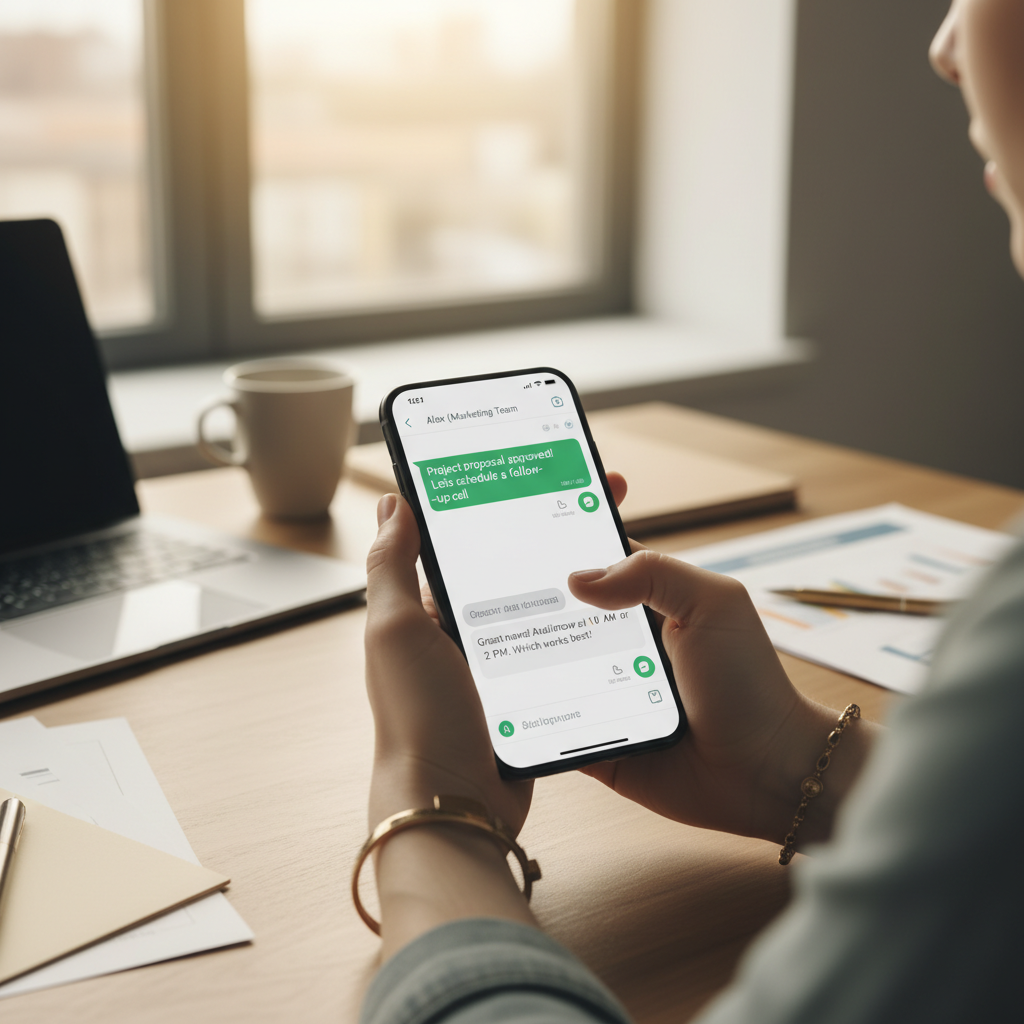
- Send appointment confirmation + Google Maps location
- Ticket submission and estimated response time
- Send quote and “Confirm” button”
- Send order tracking and contextual FAQs
Operationally, the user must be clearly informed: "I'm sending you a WhatsApp message now to the number you're calling from. Is that okay?" This increases acceptance and appropriate expectations.
6) Connect operations: tickets, CRM, agenda and notifications
A voice bot shouldn't be an isolated "toy." Connect it to real processes:
- Ticketing: automatic opening with category and priority
- CRM: create/update contact and tag (e.g. “Warm Lead”)
- Calendar: reservations and rescheduling
- Internal notifications: alerts the team when human intervention is needed
On WhatsApp, SendApp can handle the conversational and follow-up part, reducing manual work: confirmations, reminders, document requests, feedback collection.
7) Prepare WhatsApp templates and marketing automations (spam-free)
WhatsApp works when it's relevant. Some high-value "Italian" automations:
- Post-call: “Here is the summary of your request + case number”
- Appointment reminder: 24 hours in advance with “Confirm / Move” option”
- Preventive recovery: after 2 days, if not confirmed
- Cross-selling contextual: after boiler intervention, annual maintenance proposal
- CSAT Survey: “From 1 to 5, how did it go?”
With a marketing automation approach, every message must have a purpose and timing. Conversational AI can help manage open-ended responses ("Can I come at 6 pm?") and guide the user to the next step.
8) Manage escalations and handovers to the operator
A serious project always includes a "Plan B." Define handover rules:
- If the user explicitly requests it
- If the intent is not recognized after 2 attempts
- If the request is sensitive (complaints, complex cancellations)
- If the client is a VIP or already in advanced negotiations
The transition must be seamless: the operator must see the context (reason, data collected, summary) and resume on WhatsApp or phone without making the customer repeat everything.
9) Measure, optimize and scale: the part that makes results grow
A voice bot improves over time, but only if you measure it. What to monitor:
- Most frequent intents and their success rate
- Abandonment points (where the customer hangs up)
- Average handling and transfer time
- WhatsApp message performance (replies, conversions, bookings)
Optimize conversations, add new replies, create new automations on WhatsApp, and scale across multiple lines/brands/services. In many Italian companies, the fastest scalability comes from WhatsApp flows: once you've defined templates and logic, you can handle much higher volumes without proportionally increasing your team.
Practical examples (in Italian) of voice bot + WhatsApp flows
Example 1: Fashion E-commerce – “Where is my order?”
Call: the voice bot asks for the order number or email, identifies the status (preparing/shipped/delivered).
WhatsAppSendApp sends a tracking link, return policy, and "Talk to Support" button if tracking hasn't been available for X days. Result: fewer repeat calls and more autonomy for the customer.
Example 2: Doctor's office – booking and reminder
Call: the bot suggests available dates and collects essential data.
WhatsApp: appointment confirmation, instructions, documents to bring, automatic reminder, and "Schedule" option. Reduced no-shows and more flexible reception.
Example 3: Home care company – breakdown and evidence collection
Call: the bot classifies the fault (leak, blockage, noise), urgency and address.
WhatsApp: photo/video request, sending of intervention window, updates, and final feedback. The operator receives everything already organized, with less phone ping-pong.
Best Practices: What Prevents Voice Bot Project Failure
- Don't start with the "perfect bot"“: Start with 2-3 use cases and expand.
- Write action-oriented dialogues: every question must lead to a decision.
- Use WhatsApp for what voice doesn't do well: links, documents, confirmations, images.
- Always put the operator option: increases confidence and reduces frustration.
- Align marketing and support: Helpful follow-ups, not random promotions.
How SendApp can help you
SendApp offers complete solutions to manage WhatsApp Business professionally and efficiently:
- SendApp Official – Official WhatsApp Business API for bulk sending and automation
- SendApp Agent – AI chatbot with integrated ChatGPT for intelligent automatic responses
- Request a free consultation – Talk to an expert to find the ideal solution